The TableTap blog
Tips for restaurants, cafés and shops: QR menus, online ordering, delivery, websites and service.

Getting started with TableTap: from your menu to the first order
What to choose (a QR menu, table ordering, delivery, a shop or a website), what we need from you, and how to test it all before the first real order.
How to take online orders at a restaurant: an order’s path, step by step
How a guest orders through your link, where the order lands, how you accept it with one tap, and how the guest follows its progress.
How ordering from the table by QR code works, for guests and for staff
A guest scans the QR code on the table, orders, calls the waiter and pays the bill from their own phone. How it works for guests and for staff.
The shared table cart: a whole group orders as one
When several people share a table, every phone sees one list and anyone sends it as a single ordinary order. How it works and how to turn it on.

How to set delivery zones and fees, and who takes the order out
How to set delivery prices by district, a minimum order and hours, and who takes the order out: your own couriers, Yandex Delivery, Glovo or 901Go.

From Instagram DMs to an online shop: cakes, flowers and cosmetics
How to move from orders in direct messages to a catalog where buyers pick the product, the day and the time themselves. Orders days ahead, pickup or delivery.
How to connect your own domain to a restaurant website: DNS step by step
What a restaurant website in TableTap includes, why use your own domain, and which DNS records to add so the site opens at your address.
New order notifications: the Android app, Telegram and staff roles
Where orders and calls arrive, how the Android app rings on a locked phone, and how to split sign-ins between the owner, waiters and the kitchen.

Online payment for restaurants: cards, Idram and Telcell, straight to your account
How a guest pays the table's bill or a delivery order from their phone, why the money goes straight to the restaurant, and what you need from your bank.
QR menu and POS: integrating with iiko, Poster and Frontpad
If your restaurant runs iiko, Poster or Frontpad, online orders can go straight into the till with no retyping. How each integration works.
An AI assistant for your restaurant: change the menu in one sentence
The AI chat on the staff page changes prices, translations, design and the website when you ask, as a preview you apply. What it can do and what it won't.
How to bring guests back: loyalty, promo codes and customer accounts
How to know your customers, reward every Nth order, give a first-order discount, and message only those who agreed to hear your offers.
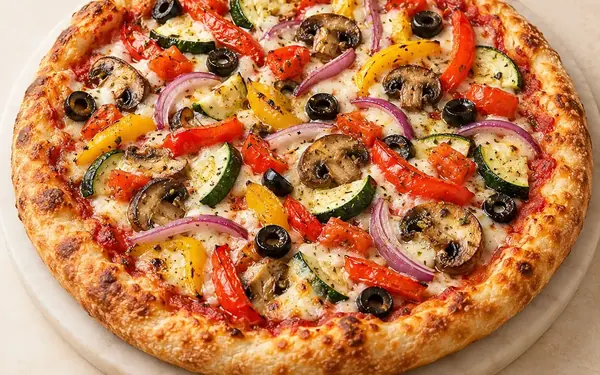
A menu in three languages: Armenian, Russian and English for visitors
Why a restaurant in Yerevan needs a menu in three languages, how guests choose theirs, and how to translate dish names and descriptions well.
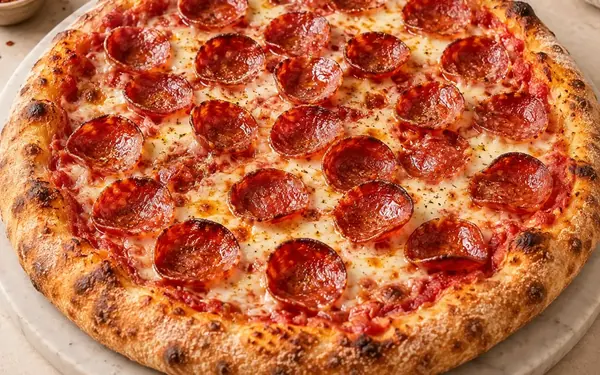
Delivery app commission: moving your regulars to your own ordering link
Delivery apps bring new customers, but they also take a cut of every order from your regulars. Here is how to move those orders to your own link.

QR menus in Yerevan: what a restaurant should know before starting
Three languages, Wi-Fi, paper menus, ordering from the table: answers to the questions restaurants ask about QR menus.
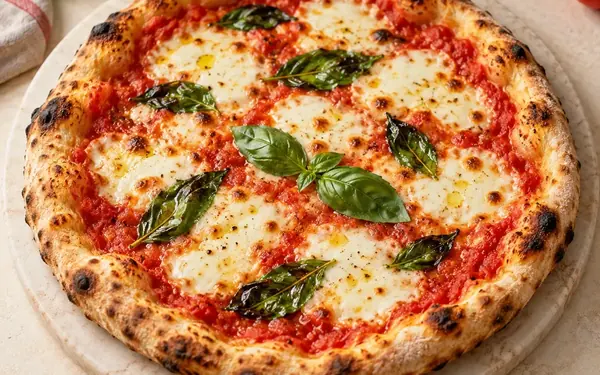
A restaurant's own website and Google: why you need one if you already have Instagram
Many people look for a restaurant on Google, not Instagram. What your site should have and how to help Google find it.
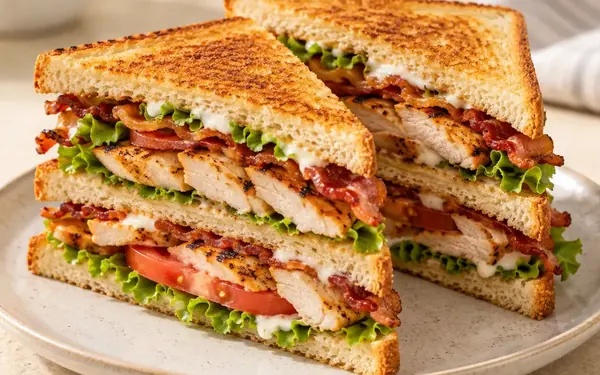
Food photos for your menu: how to shoot dishes with a phone
You don't need professional gear for a good photo. A window, a clean background and a few simple rules are enough.
Where and how to place QR codes on your tables
A QR code should be easy to spot, easy to scan and hard to damage. Where to put QR codes in the dining room and on tables: tips for restaurants and cafés.

What is a QR menu, and how does it help a restaurant?
Paper menus need printing, are hard to update and costly to translate. How a QR menu solves this.